College Football · Free
College Football Tracker
Track every EA Sports College Football game with your crew and settle who really runs the conference.
Final · EA Sports College Football 27
Sean38–35Fuze
Sean leads the all-time series
How it works
- 1Start a groupName it, share the invite code. Friends without accounts can still be tracked.
- 2Snap the final gameTake a photo of the College Football final score screen. AutoRef reads it and you confirm.
- 3The record updatesStandings, streaks, head-to-head history and a receipt for every result.
- 4Share the proofStory, square and wide share cards built for the group chat.
Supported editions
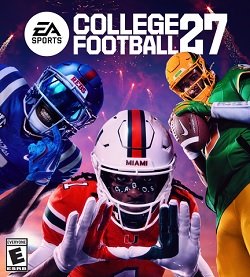 EA Sports College Football 27
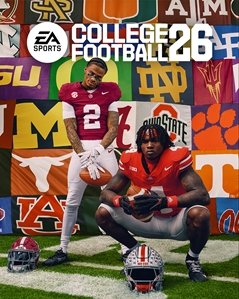 EA Sports College Football 26
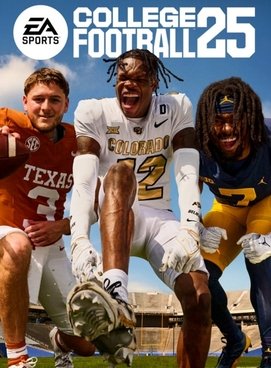 EA Sports College Football 25
Questions
- How do I track my College Football record against friends?
- Create a free AutoRef group, add your friends (they don't need accounts), and log each game by snapping a photo of the final score screen. AutoRef keeps the all-time record, streaks and head-to-head history.
- Can AutoRef read the College Football score from a photo?
- Yes. Take a photo of the final score screen with your phone. AutoRef reads the teams and score, shows you what it read, and you confirm before it counts.
- Is the College Football tracker free?
- Yes. Groups, game logging, standings, rivalries and share cards are free.
- Does it work on PS5, Xbox and PC?
- Yes. AutoRef works from any phone photo of the TV or monitor, so the console doesn't matter. You can also tag which console each game was played on.